Sentir Social in ChatGPT, Claude and Cursor
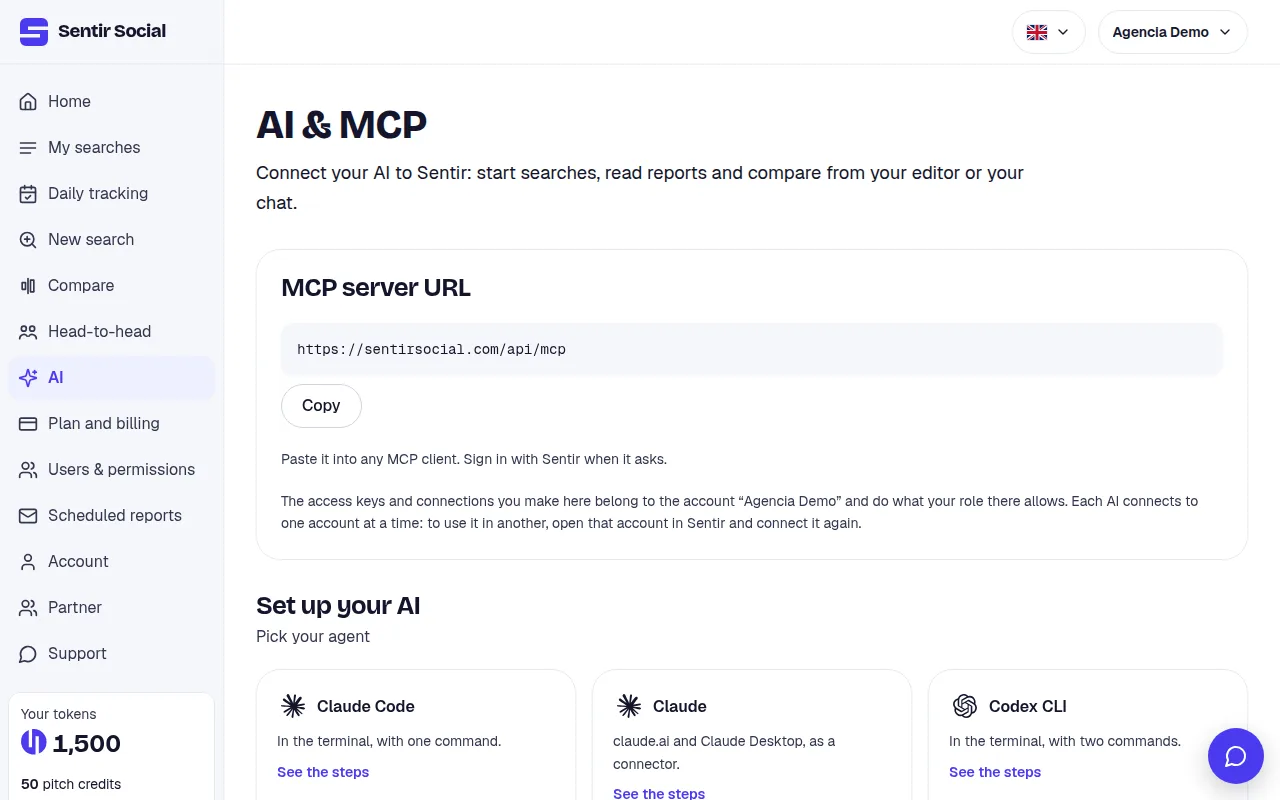
Your AI assistant uses Sentir for you: it starts searches, reads your reports and compares them, without leaving the conversation. It works with any assistant that takes an MCP server.
What it is for
Ask instead of searching
"How is sentiment about our brand this week?" Your assistant starts the search and sums up the report.
Reports inside your work
Ask for the three most repeated complaints with examples and paste them into your deck or your email to the client.
Compare without opening tabs
Ask it to compare two searches and it tells you which had better sentiment, and on which platform.
How to connect
- Open the AI tab in your account and copy the server address.
- Paste it into your assistant, under its connectors or MCP servers.
- Sign in to Sentir when the assistant asks, and choose the token cap per search.
- Ask it for something: it asks you before spending tokens.