Sentir Social API: searches and reports
Your own systems start searches, read the reports and get told when they finish. It does what the AI assistant connection does, with the same access keys and token caps.
What it is for
Your clients' dashboard
Your agency shows each client's sentiment in its own dashboard, in your design, reading the reports through the API.
Searches from your tool
Your system starts a search when a campaign closes and keeps the report next to the rest of its results.
Told without asking
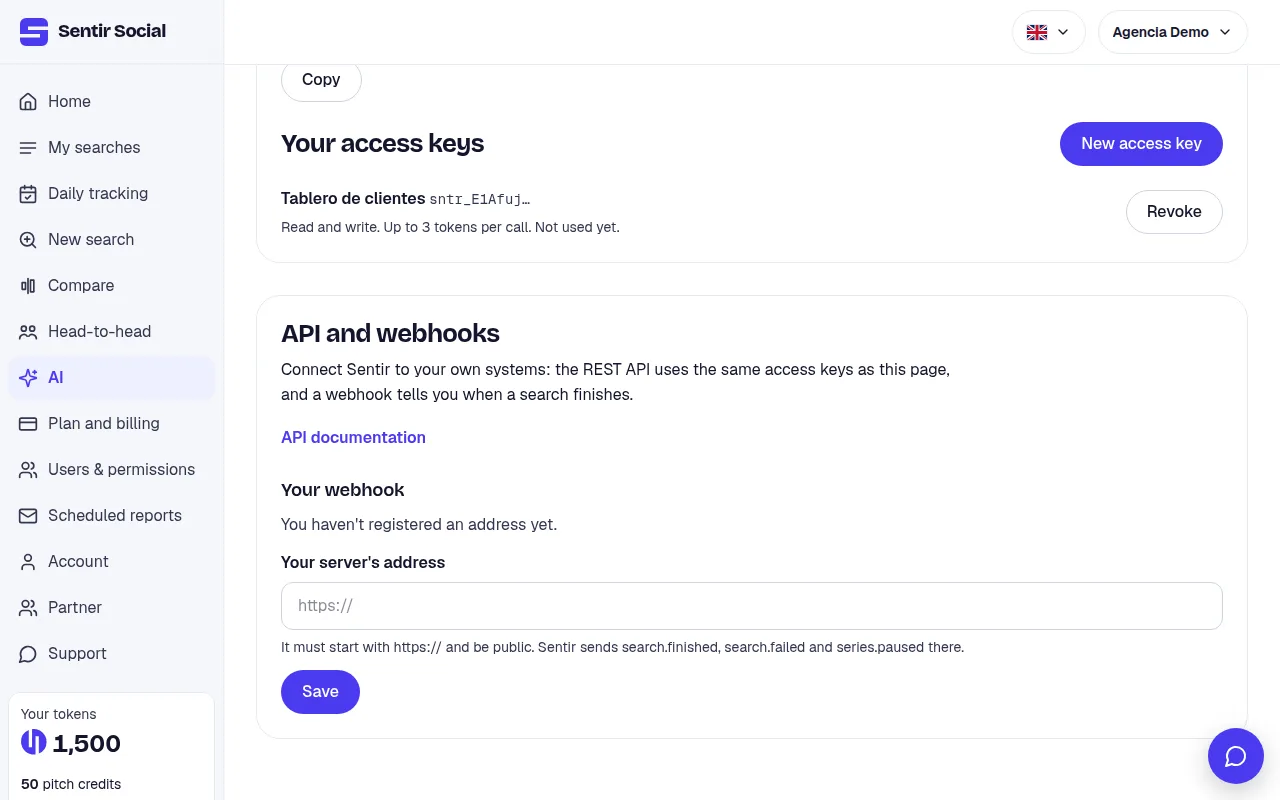
A signed webhook reaches your server when a search finishes or a tracking pauses.
How to connect
- In the AI tab of your account, make an access key and set its token cap per call.
- Call the API with the key in the Authorization header.
- Start a search and read its report when it finishes.
- Optional: register a webhook to be told on your server.